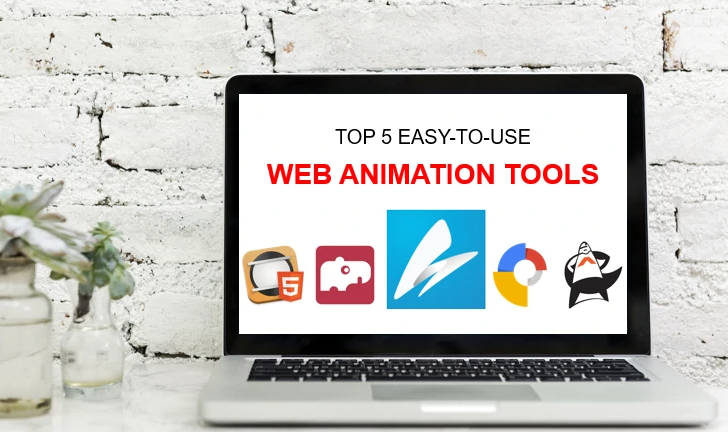
In the fast-paced digital world of 2026, motion is the most effective way to stop a scroll and deliver a message. A free animation maker is a transformative tool for creators and businesses, allowing anyone to bridge the gap between static ideas and dynamic storytelling without the need for expensive equipment or a background in motion design.
By using an all-in-one platform like Adobe Express, you can tap into AI-powered features that automate complex taskslike lip-syncing and character movement, enabling you to produce high-quality video content in minutes rather than hours.
Phase 1: High-Impact Social Media Marketing
Social media algorithms continue to prioritise video content that is unique and engaging. Animation provides a “visual surprise” that live-action often lacks.
1. Creating “Animate from Audio” Shorts
One of the most efficient uses of an animation maker is generating short-form videos for TikTok or YouTube Shorts using a voice-recording.
- How it works: You simply record your dialogue directly into the tool, and the AI automatically animates a chosen character’s mouth, eyes, and gestures to match your voice.
- The Benefit: This is perfect for creators who want to build a brand identity without being on camera, or for businesses that want a friendly, animated mascot to handle customer service FAQs.
2. Designing Scroll-Stopping Video Ads
Traditional static ads are easily ignored. Animated text and graphics, however, draw the eye and improve click-through rates.
- Strategy: Use pre-made animation templates to create 15-second ads. Incorporating kinetic typography (moving text) helps ensure your brand name and call-to-action are the first things a viewer sees.
Phase 2: Educational and Internal Communication
Animation is scientifically proven to improve information retention, especially when explaining abstract or complex concepts.
3. Enhancing E-Learning and Training Modules
Educators and HR professionals can use animation to turn dry policy documents or lesson plans into interactive experiences.
- Impact: Instead of a long block of text about workplace safety or a historical event, you can use a 2-minute animated sequence to illustrate the scenario, making the information more digestible and memorable for the audience.
4. Visualising Data and Reports
Static charts can be overwhelming. An animation maker allows you to “build” your data visualisation on screen.
- Clarity: By animating a line graph to rise or a pie chart to expand as you speak, you guide the viewer’s focus precisely to the most important data points, ensuring your narrative isn’t lost in the numbers.
See also: Operational Efficiency Study on 8664192319, 20355997, 744665861, 941298511
Phase 3: Personal Branding and Creative Projects
For individual creators, animation offers a level of customisation that helps define a unique digital presence.
5. Custom Animated Intros and GIFs
Add a professional touch to your video content with consistent, animated intro sequences or custom-branded GIFs.
- Personalisation: You can easily create a recurring animated segment for a podcast or YouTube channel. Using a consistent character or animation style across your platforms helps build instant brand recognition among your followers.
Conclusion
A free animation maker is an essential asset for anyone looking to communicate effectively in a visual-first era. Whether you are aiming to increase social media engagement, simplify complex educational material, or define your personal brand, these tools provide the versatility and ease of use needed to produce professional-grade visuals. By leveraging AI features like automated lip-syncing, you can focus on your message while the software handles the technical details of movement.
FAQ
1. Do I need special hardware to use an online animation maker?
No. Modern tools are web-based or available via mobile apps, meaning they run in your browser or on your phone. You don’t need a high-end graphics card; the heavy processing is handled in the cloud.
2. How long can my animations be?
Most “Animate from Audio” features support clips up to 2 minutes long. However, you can combine multiple clips in an editor to create longer, full-length videos or episodes of cartoons.
3. What file formats are supported for my audio?
Most tools accept standard audio formats, including MP3, WAV, and AAC. If you don’t have a recording ready, many platforms also allow you to record high-quality audio directly through your device’s microphone within the app.
Would you like me to find a guide on how to use the “Animate from Audio” feature to sync your voice with specific character gestures?